
AI stands for “Artificial Intelligence” and plays a pivotal role in augmenting our technology stack. It enables us to leverage AI for various purposes, such as data analysis, automation, and decision support.
Your secure AI workspace
Your internal and secure AI-powered assistant designed to elevate how you work
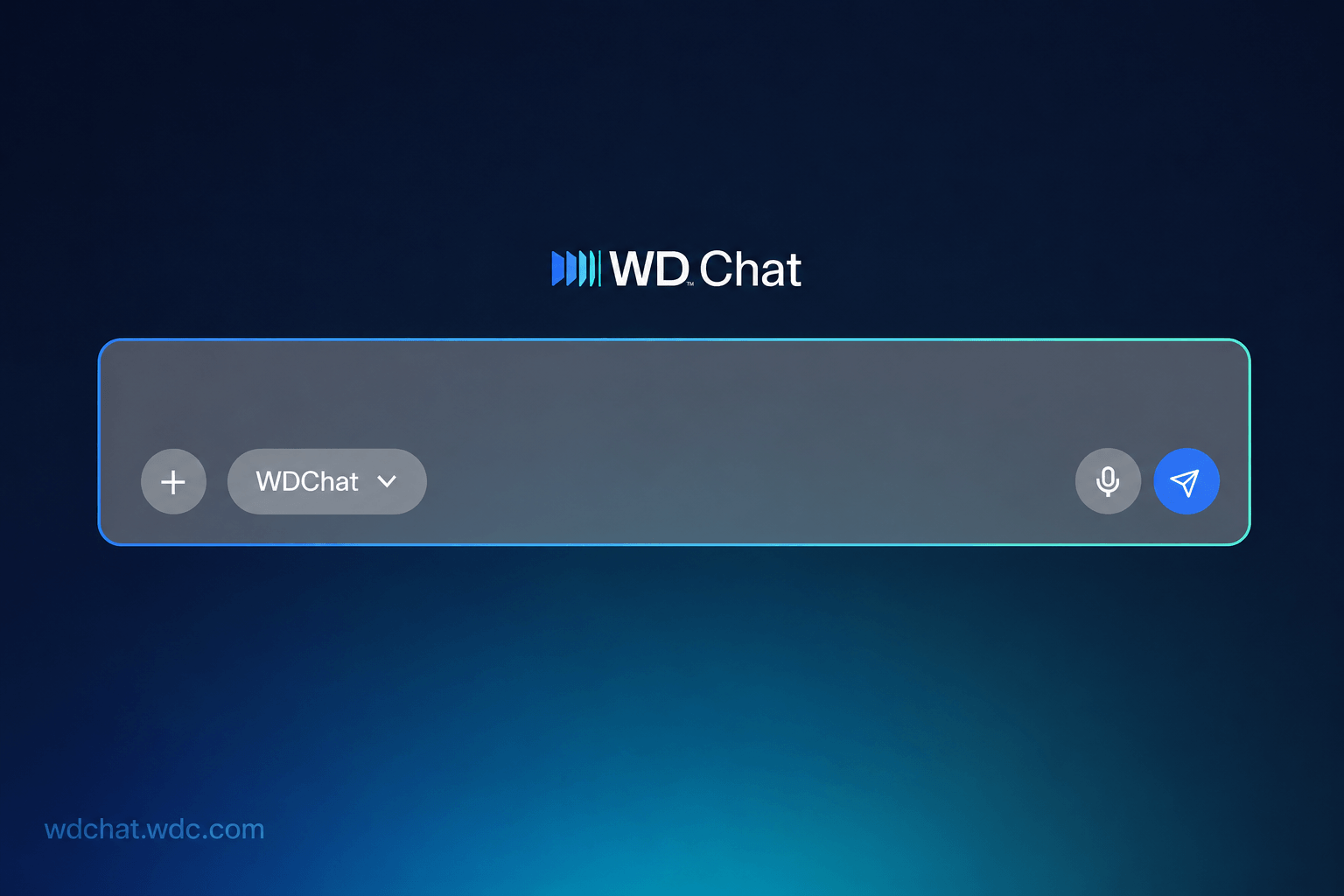
WDChat is your secure, WD-hosted AI assistant — built to bring the same ease and intelligence you love from tools like ChatGPT, right into your daily work.
Searches WD internal knowledge base
Reads your Outlook calendar
Runs data analysis & builds charts
Generates a presentation
Answers from general knowledge
Writes text you can copy into Outlook
Strategic Roadmap
Our AI Strategy
Three pillars defining our journey from productivity to autonomy.
EVERYDAY AI
Productivity Tools
AI that helps people get through the day faster & with ease
Use It For
Summarization
Search
Meeting notes
Get help
Content creation
Enterprise tasks
Focus Areas
Target Audience
All WD Drives
25K Indirect Labor
BUSINESS AI
Intelligent Automation
Reshape critical workflows and functions with AI Agents
Use It For
Decision support
Compliance & risk
Task automation
Knowledge mgmt
Focus Areas
Target Audience
Users across value streams
AGENTIC AI
Autonomous Agents
Invent new ways to solve complex problems with a team of AI Agents
Use It For
Executing tasks with minimal human oversight
Focus Areas
Target Audience
Hyperscaler account team
WD is here to support your learning throughout each pillar
Product Roadmap
Here’s what WDChat looks like today — and where it’s headed next.
Current Release
Upcoming Release
LIVE NOW
WDChat v1.0
March 2026
Live for every Western Digital employee. Ask anything about WDC — policies, products, processes — and get a real, verified answer in seconds.
- WDC knowledge base with cited answers
- Agent Marketplace
- Canvas — charts & dashboards in chat
- Code Interpreter & data analysis
- Connectors — Jira, Confluence & more
- Prompt Hub for reusable prompts
- Memory across sessions
COMING SOON
WDChat Next
Q4 FY'26 — Q1 FY'27
The next wave of WDChat capabilities — designed to make AI more seamless, more powerful, and more embedded into how teams at WDC work every day.
- Smart agent routing – no manual selection
- SharePoint & enterprise content Q&A
- PPT generation & document creation
- Excel & structured data insights
- Meeting & email Insights
- Agent Canvas – automate repetitive tasks
- Task Integrations — JIRA & ServiceNow
AI WDC Leaders API plugin is required. Please activate it.
Platform Intelligence
A unified AI team,
at your command.
at your command.
Working quietly behind the scenes, think of WDChat as the friendly face of AI, connecting to many different AI tools and models. Get the answers and solutions you need, all in one place, so you can focus on what truly matters.
Privacy you can
trust completely.
Protects your information under strict security and privacy policies. We only use your thumbs up or thumbs down feedback to make it smarter and more helpful, always prioritizing your privacy.
Built for Enterprise,
Loved by Pioneers
See how forward-thinking teams are turning AI potential into measurable business reality.
Frequently Asked Questions
Common questions about our AI adoption, policy, and roadmap.
What can employees expect in terms of training and support as AI technologies become a part of our daily operations?
We are committed to providing adequate training and support to ensure a smooth transition. Comprehensive training programs and resources will be available to help employees adapt to these new tools.
What impact do we anticipate AI will have on our company's overall performance and competitiveness?
AI is expected to boost our competitiveness by enabling smarter decision-making, increased efficiency, and more innovative approaches across various sectors within the company.
Will AI technologies replace human roles within the company, or are they meant to complement existing roles?
AI is designed to complement human roles, not replace them. It will assist employees by automating repetitive tasks and providing insights, allowing them to focus on more strategic and creative aspects of their roles.
New AI Use Case
I want to start using a new AI tool that isn't listed on the Available AI Tools and Platforms page. How do I get it approved for use?
As AI continues to evolve, we need to ensure that all AI solutions – whether built or bought – align with company priorities, comply with security and legal requirements, and provide meaningful business value. All new AI solution requests must be submitted to the AI Program Operations Team for evaluation. Click here to learn how to submit a new AI use case for review.
Have a question that's not listed here?
